Featured Posts


Website Customization
How to Add a Hamburger Menu to Your Squarespace 7.1 Desktop Site →
Website Customization
How to Create a Split Navigation in Squarespace 7.1 With CSS →

Website Customization
3 Image Hover Effect Styles to Elevate Your Squarespace 7.1 Website →

Website Customization
Featured Posts

Website Customization
How to Add a Hamburger Menu to Your Squarespace 7.1 Desktop Site →
Website Customization
How to Create a Split Navigation in Squarespace 7.1 With CSS →

Website Customization
3 Image Hover Effect Styles to Elevate Your Squarespace 7.1 Website →

Website Customization

Subscribe:
New Tutorials
Every Month
Expect only the good stuff: occasional updates with our latest resources, exciting news, and upcoming products.

Free Resources
Flodesk Welcome Sequence Email Templates


Squarespace Basics


Most Read
How to Add Custom Fonts to Squarespace With CSS (7.0 & 7.1)
How to Hide Elements in Mobile View in Squarespace 7.1
How to Create a Rotating Hero Banner With Squarespace Auto Layout (No Code Needed!)
4 Navigation Link Hover Effects for Your Squarespace 7.1 Website
How to Add a Gradient Background to a Section With CSS (Squarespace 7.1)
Search
What do you want to learn today?
By Category:
SAVE 10% ON YOUR SQUARESPACE SUBSCRIPTION WITH DISCOUNT CODE STYLEDSQUARE10All Posts
![[UPDATED] How to customize Squarespace 7.1 shop categories design with CSS](https://images.squarespace-cdn.com/content/v1/5efe274e06a8cb422c95e84f/1738181191182-H04BJZHIEGFNCH5ZTPI3/ShopCategories-800x800-min.png)
[UPDATED] How to customize Squarespace 7.1 shop categories design with CSS
In this Squarespace tutorial, we guide you through 4 options to customize your shop page categories with CSS:
Update shop category font size
Remove vertical line separator between shop category options
Transform your shop categories into buttons
Stack shop categories on mobile devices
Whether you're looking to add a personal touch of design or add functionality to your Squarespace shop — this post is your step-by-step tutorial to tweaking your template to perfection. Perfect for beginners and seasoned designers alike, this guide is all about empowering you to make your Squarespace shop truly your own.
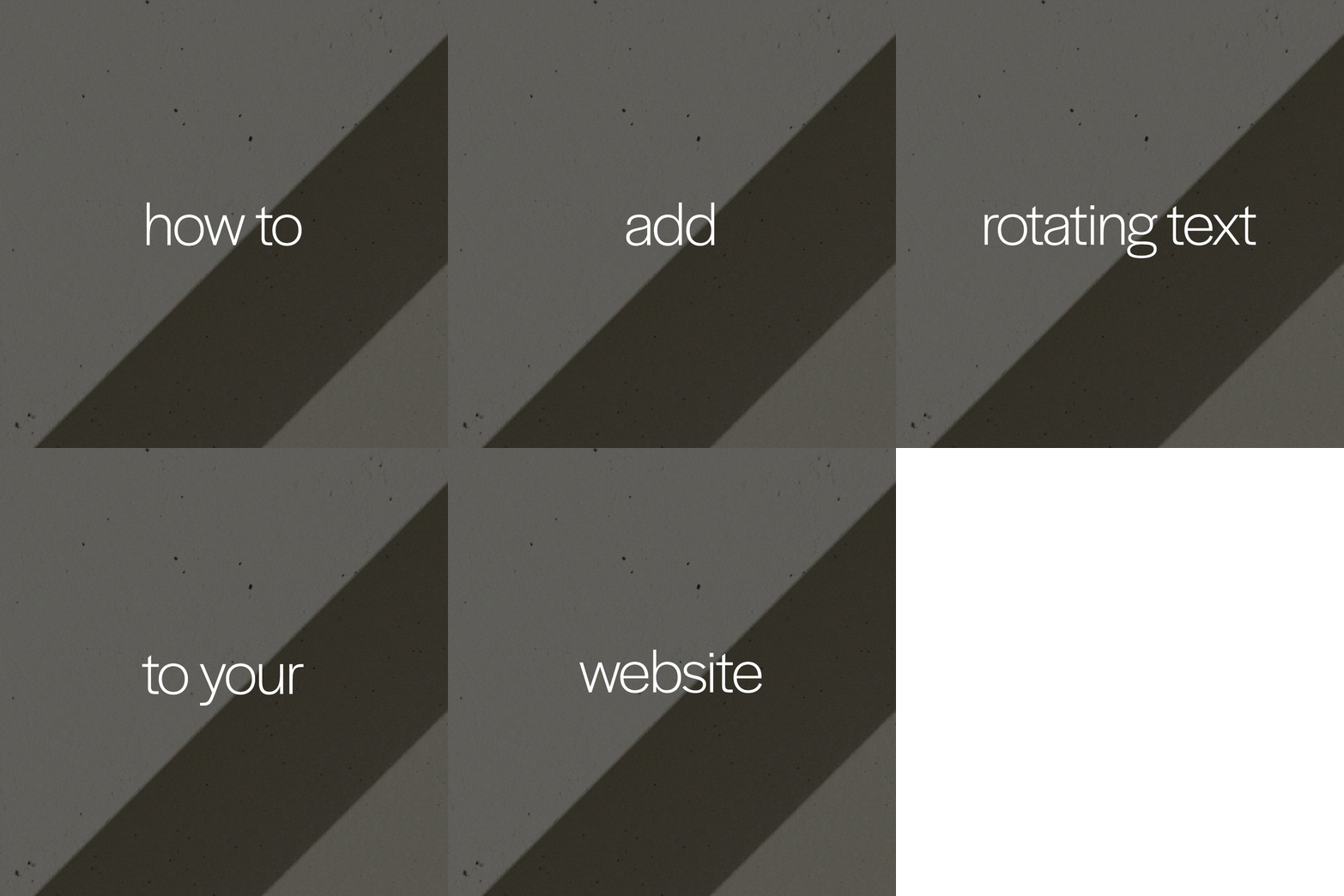
How to add rotating text to your Squarespace 7.0 & 7.1 website
Looking to boost your Squarespace website's visual appeal and engagement? This tutorial will teach you how to easily incorporate rotating text with HTML and CSS, perfect for highlighting key messages, showcasing testimonials, or adding a creative twist to your content. Follow our step-by-step guide to add rotating text to your Squarespace website and elevate your online presence. Get ready to captivate your audience with dynamic design elements!

How to add a gradient background to a section with CSS (Squarespace 7.1)
Adding a gradient to your website can create a visually appealing focal point, making your content more engaging and memorable. In this Squarespace tutorial, we'll show you how to add a gradient background to any section of your site. Gradients are a versatile and eye-catching design element that can elevate the visual appeal of your web pages.

How to Add Videos to Image Blocks in Squarespace (No Coding Required!)
Wouldn’t it be amazing if you could upload videos to the Squarespace Image Block? In this tutorial we will teach you how to convert videos to GIFs and upload them to your website — a quick and easy way to add movement to your website and showcase your video content from TikTok and Instagram.

How to create smooth scroll anchor links in Squarespace 7.0 & 7.1
Anchor links are a hyperlink that allow visitors to jump from one location of a website page to another with just a single click. Anchor links are a user-friendly way of navigating your visitors through text-heavy pages or to showcase your most important content. In this tutorial, we’ll walk through the quick and easy steps to add anchor links to a Squarespace 7.0 or 7.1 website using HTML and CSS,